Appearance
臓器3Dモデル処理
blenderで読み込んだ時(FBX):
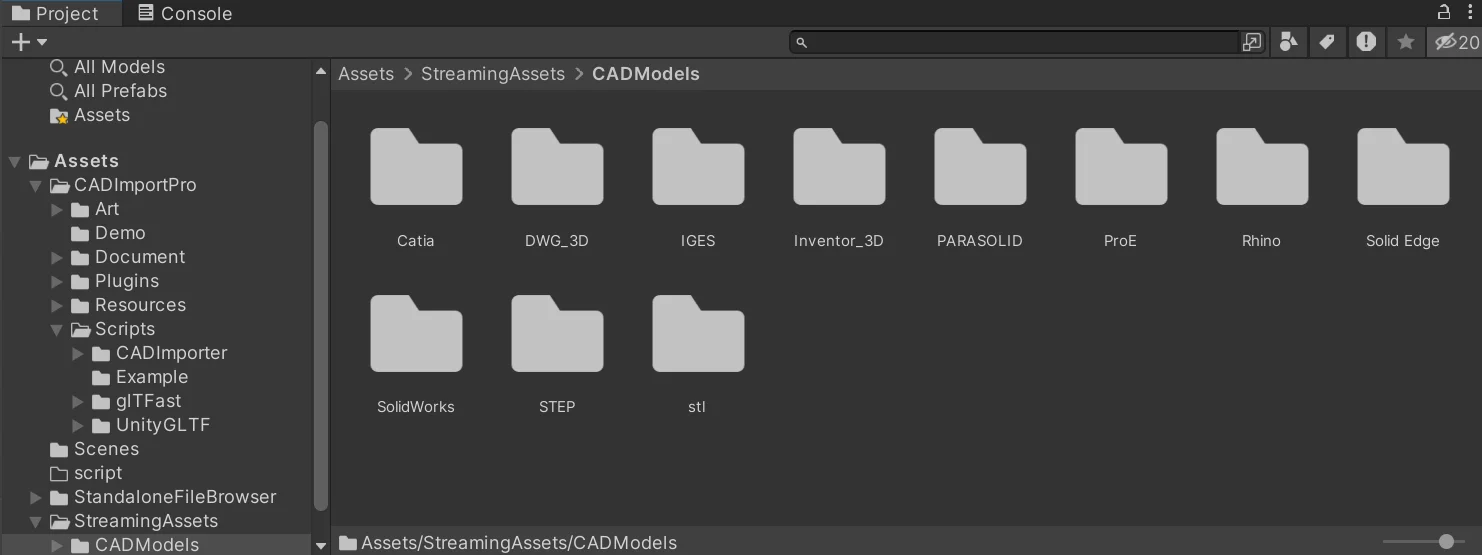
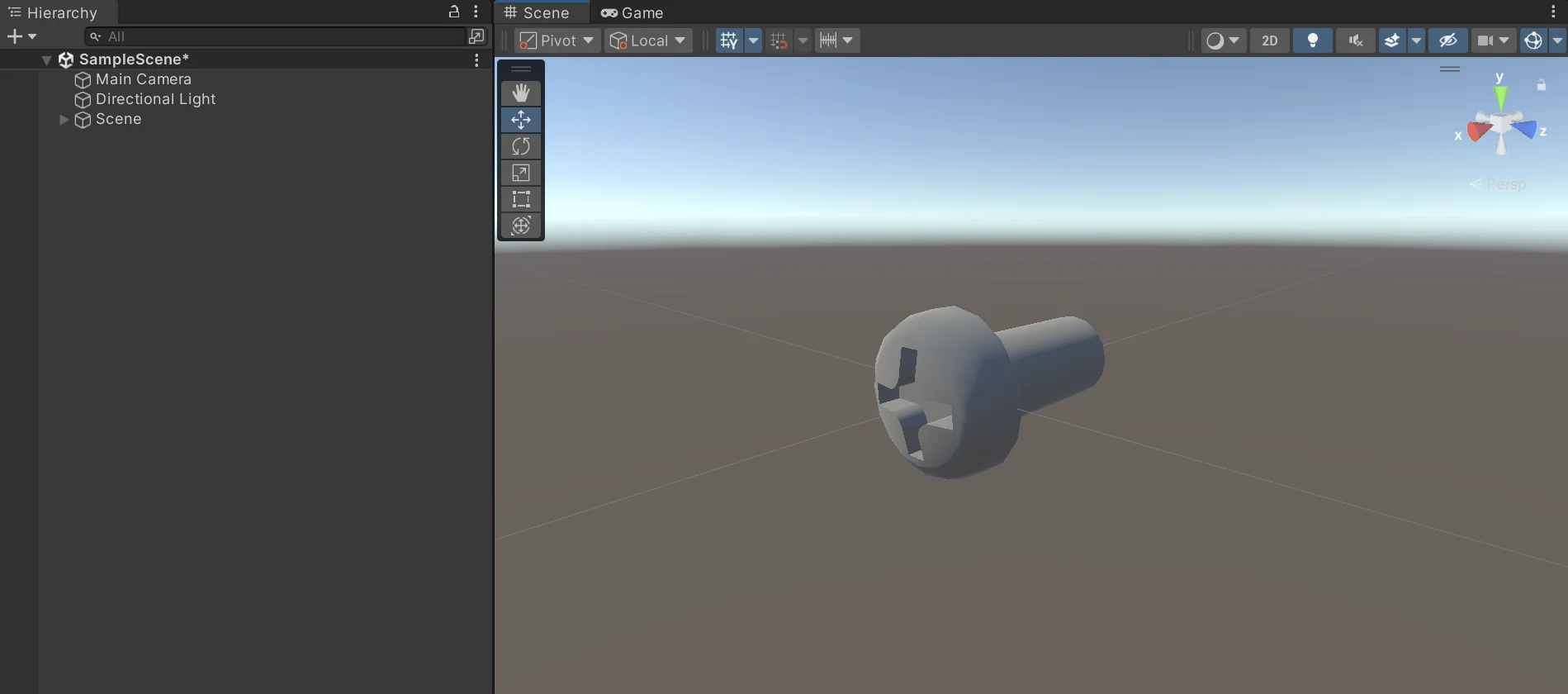
Unityで読み込んだ時(FBX):
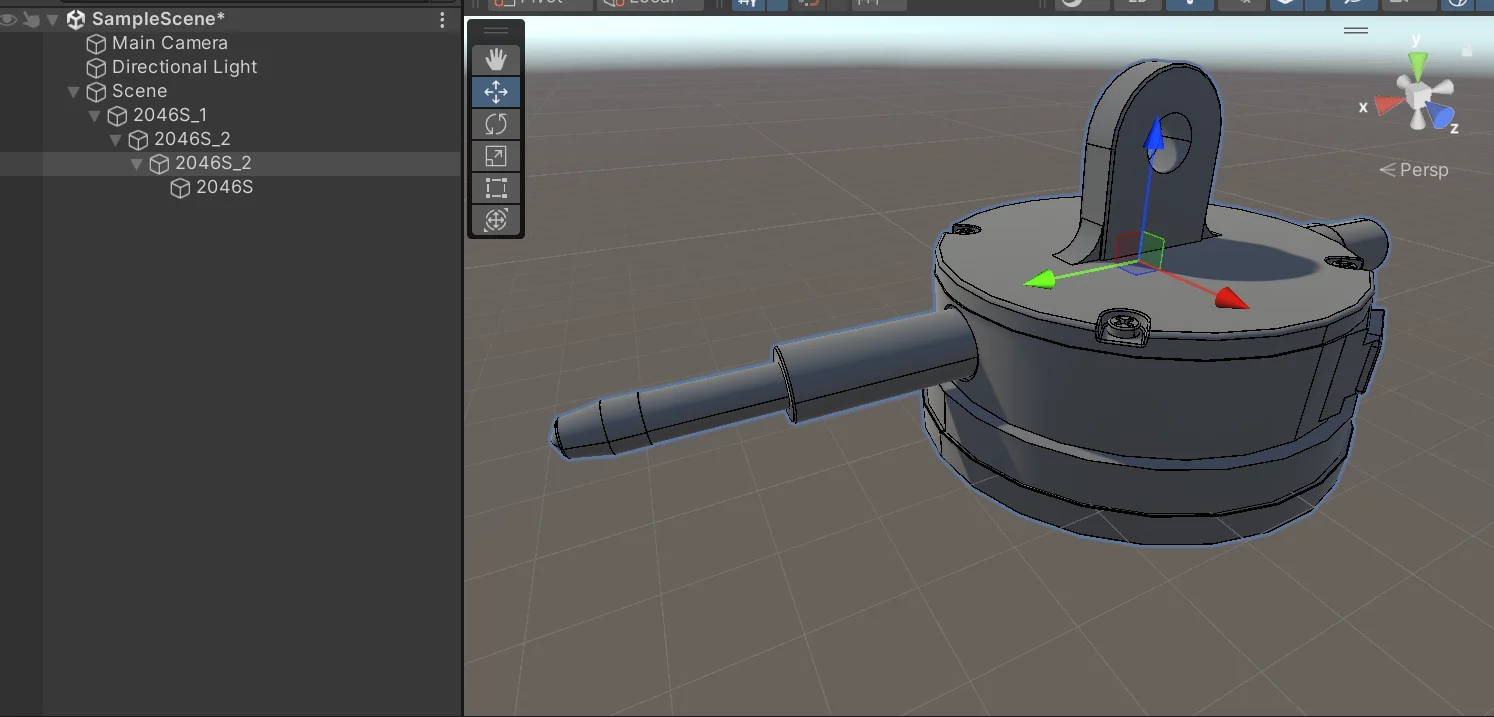
FBXをUnityでビルド後にランタイムロードしたいなら、このアセットが便利そう(有料)
TriLib 2 - Model Loading Package
Blenderを用いたExcel書き出し
jsx
# --- 単体GLB → CSV(GUI実行用:BlenderのScriptingで実行) ---
import bpy, csv
from pathlib import Path
import unicodedata

# ========= 必要に応じてここだけ設定 =========
GLB_PATH = r"C:\Users\m-mizukami\Downloads\Xseeds Inc Delivery\Digestive system\Digestive system_glb.glb"              # 入力GLB
CSV_PATH = r"C:\Users\m-mizukami\Documents\LDI3\Digestive_names.csv"       # 出力CSV
INCLUDE_ONLY_MESH = False                           # True: メッシュのみ, False: 全オブジェクト
DEDUPLICATE = True                                  # 重複名を除去
SORT_CASE_INSENSITIVE = True                        # 大文字小文字を無視してソート
UNICODE_NORMALIZE = "NFC"                           # "NFC" を推奨(Noneで無効)
WRITE_ENCODING = "utf-8-sig"                        # Excel対策のBOM付きUTF-8
# ============================================

def normalize_text(s: str) -> str:
    if UNICODE_NORMALIZE:
        s = unicodedata.normalize(UNICODE_NORMALIZE, s)
    return s

# シーンを空に
bpy.ops.wm.read_factory_settings(use_empty=True)

# 取り込み前のオブジェクト集合(差分で今回インポート分を特定)
before_objs = set(bpy.data.objects)

# GLB/GLTF をインポート
bpy.ops.import_scene.gltf(filepath=GLB_PATH)

# 取り込み後 → 差分が今回インポートされたオブジェクト
after_objs = set(bpy.data.objects)
imported_objs = [obj for obj in (after_objs - before_objs)]

# 名前を収集
names = []
for obj in imported_objs:
    if INCLUDE_ONLY_MESH and obj.type != 'MESH':
        continue
    name = normalize_text(obj.name)
    names.append(name)

# 重複除去(順序保持)
if DEDUPLICATE:
    names = list(dict.fromkeys(names))

# アルファベット順にソート(casefoldで大小無視)
if SORT_CASE_INSENSITIVE:
    names = sorted(names, key=lambda s: s.casefold())

# CSV書き出し(BOM付きUTF-8でExcelでも崩れにくい)
out_path = Path(CSV_PATH)
out_path.parent.mkdir(parents=True, exist_ok=True)
with open(out_path, "w", encoding=WRITE_ENCODING, newline="") as f:
    w = csv.writer(f)
    for n in names:
        w.writerow([n])

print(f"[OK] {GLB_PATH} -> {out_path} : {len(names)} names (encoding={WRITE_ENCODING})")- blender起動→スクリプト作成→開く より上記スクリプトを選択。
========= 必要に応じてここだけ設定 =========
の GLB_PATHにExcelを作製したいglbのファイルパスを、 CSV_PATHに保存したい先 を入力。 また、ほかに設定しなければいけない点があれば設定。 3. 実行
これにより指定した箇所に以下のようなExcelが保存される。
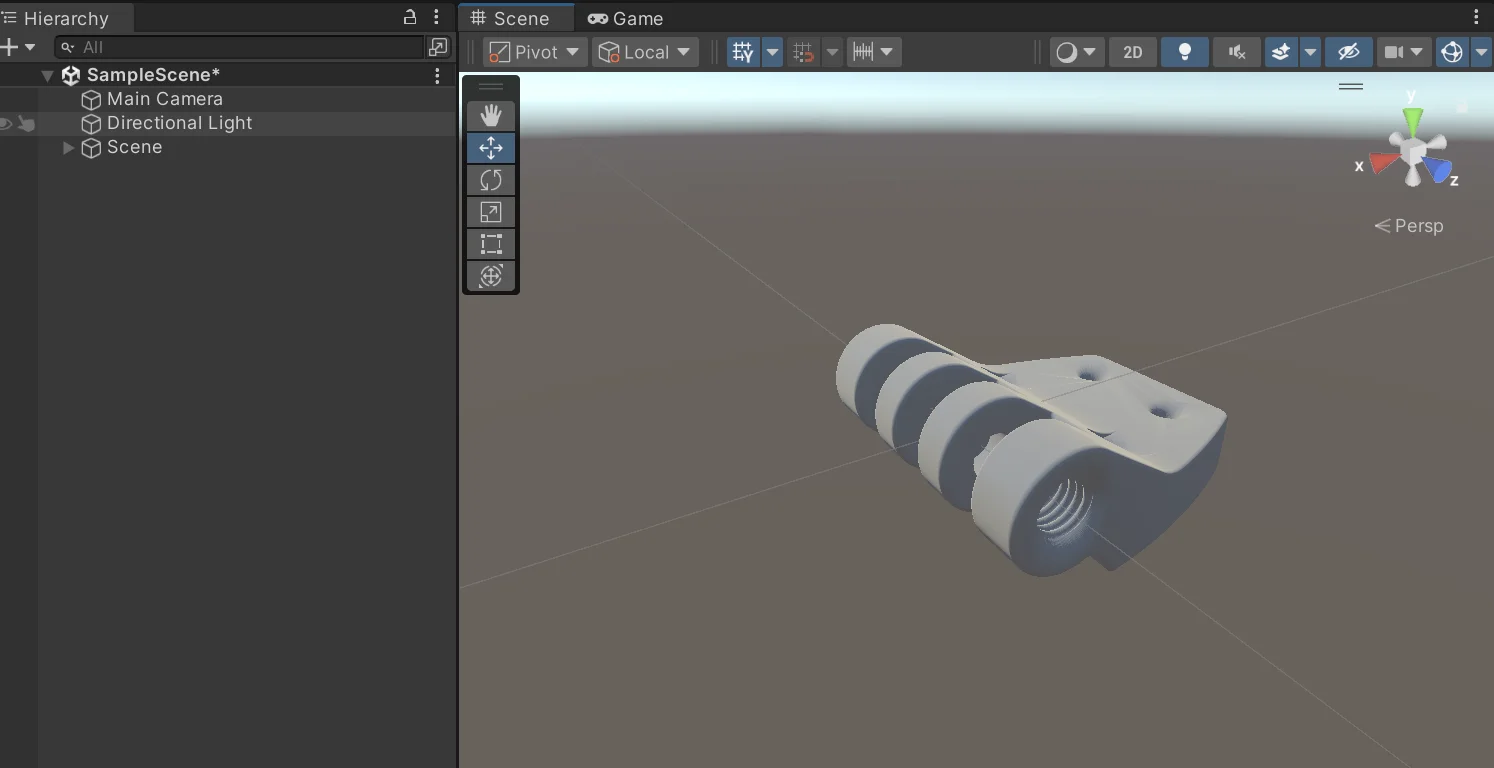
Trilib2を使用したUnityでのExcel出力アプリの作成
次の工程のLKGでの臓器3Dモデル表示のアプリ作成を兼ねて、ランタイムで3Dモデルをロードすることで、 ・画面に3Dモデルが表示される ・Excelが出力される この2点を実装したアプリを試してみる。
Excelの出力はうまくいった。 やっぱりランタイムでfbxを選択しただけで作成される方が数倍楽。
問題としては、3Dモデルのテクスチャがうまくはれないこと。 そもそもデフォルトのままだったら、ピンクが出てきてしまう形。
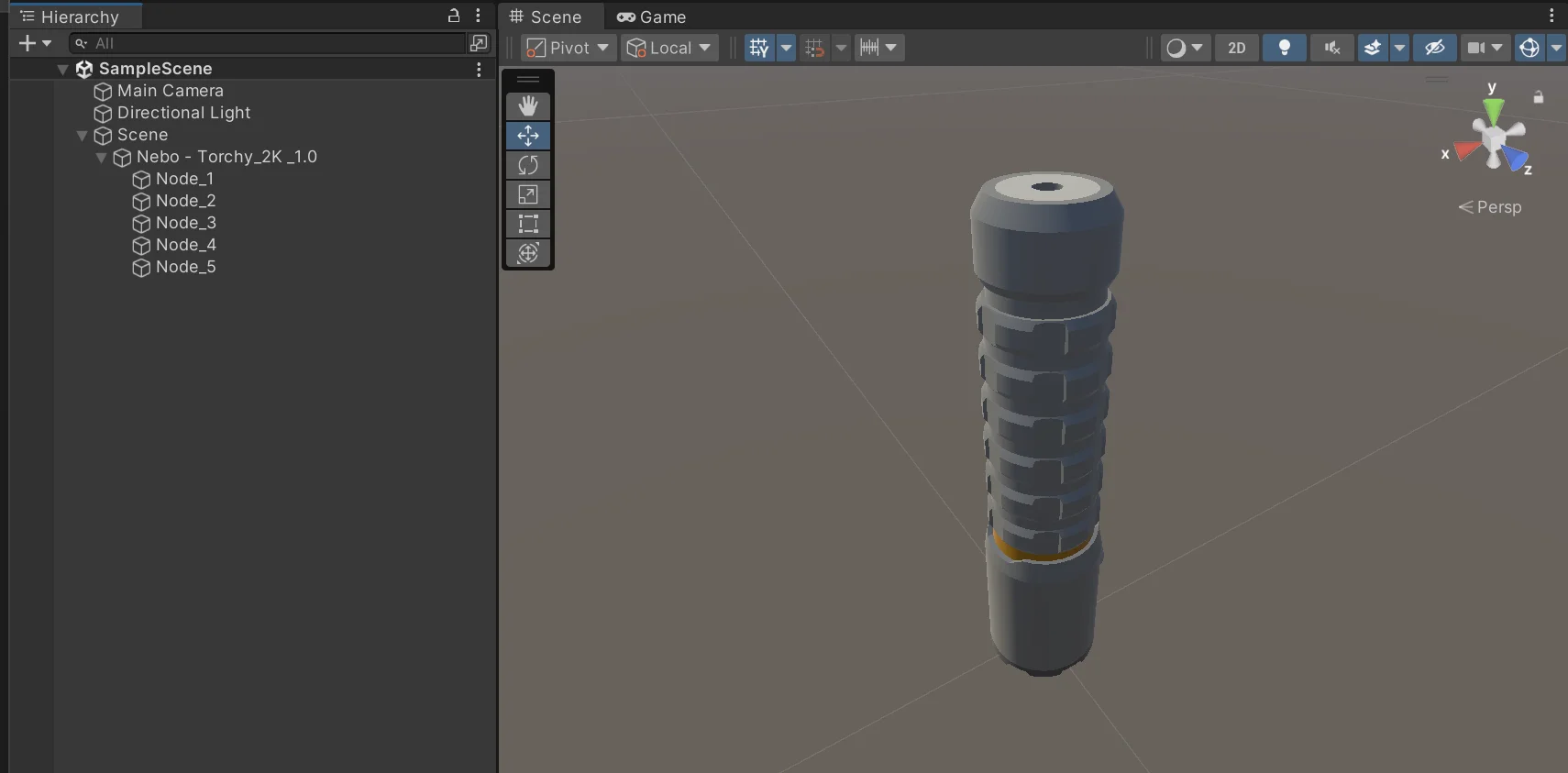
自動的に作成されたcsvが下のもの。
Digestive system_fbx.csv
| Ascending colon - frontal section (anterior 1⁄2) |
|---|
| Ascending colon - frontal section (posterior 1⁄2) |
| Ascending colon (mucosa) |
| Cecum - frontal section (anterior 1⁄2) |
| Cecum - frontal section (posterior 1⁄2) |
| Cecum (mucosa) |
| Descending colon - frontal section (anterior 1⁄2) |
| Descending colon - frontal section (posterior 1⁄2) |
| Descending colon (mucosa) |
| Duodenum - frontal section (anterior 1⁄2) |
| Duodenum - frontal section (posterior 1⁄2) |
| Duodenum (mucosa) - frontal section (anterior 1⁄2) |
| Duodenum (mucosa) - frontal section (posterior 1⁄2) |
| Esophagus - frontal section (anterior 1⁄2) |
| Esophagus - frontal section (posterior 1⁄2) |
| Esophagus (mucosa) - frontal section (anterior 1⁄2) |
| Esophagus (mucosa) - frontal section (posterior 1⁄2) |
| Ileum (mucosa) |
| Ileum (wall) |
| Inferior pharyngeal constrictor |
| Jejunum (mucosa) |
| Jejunum (wall) |
| Middle pharyngeal constrictor |
| Nasopharynx (mucosa) - sagittal section (left ½) |
| Nasopharynx (mucosa) - sagittal section (right ½) |
| Omental appendices |
| Oropharynx (mucosa) - sagittal section (left ½) |
| Oropharynx (mucosa) - sagittal section (right ½) |
| Pharynx - sagittal section (left ½) |
| Pharynx - sagittal section (right ½) |
| Rectum - sagittal section (left 1⁄2) |
| Rectum - sagittal section (right 1⁄2) |
| Rectum (mucosa) |
| Sigmoid colon - frontal section (anterior 1⁄2) |
| Sigmoid colon - frontal section (posterior 1⁄2) |
| Sigmoid colon (mucosa) |
| Stomach - frontal section (anterior 1⁄2) |
| Stomach - frontal section (posterior 1⁄2) |
| Stomach (mucosa) - frontal section (anterior 1⁄2) |
| Stomach (mucosa) - frontal section (posterior 1⁄2) |
| Stylopharyngeus muscle (left) |
| Stylopharyngeus muscle (right) |
| Superior pharyngeal constrictor |
| Terminal ileum (mucosa) |
| Terminal ileum (wall) |
| Transverse colon - frontal section (anterior 1⁄2) |
| Transverse colon - frontal section (posterior 1⁄2) |
| Transverse colon (mucosa) |
| Vermiform appendix (mucosa) |
| Vermiform appendix (wall) |
アプリデザイン(仮)
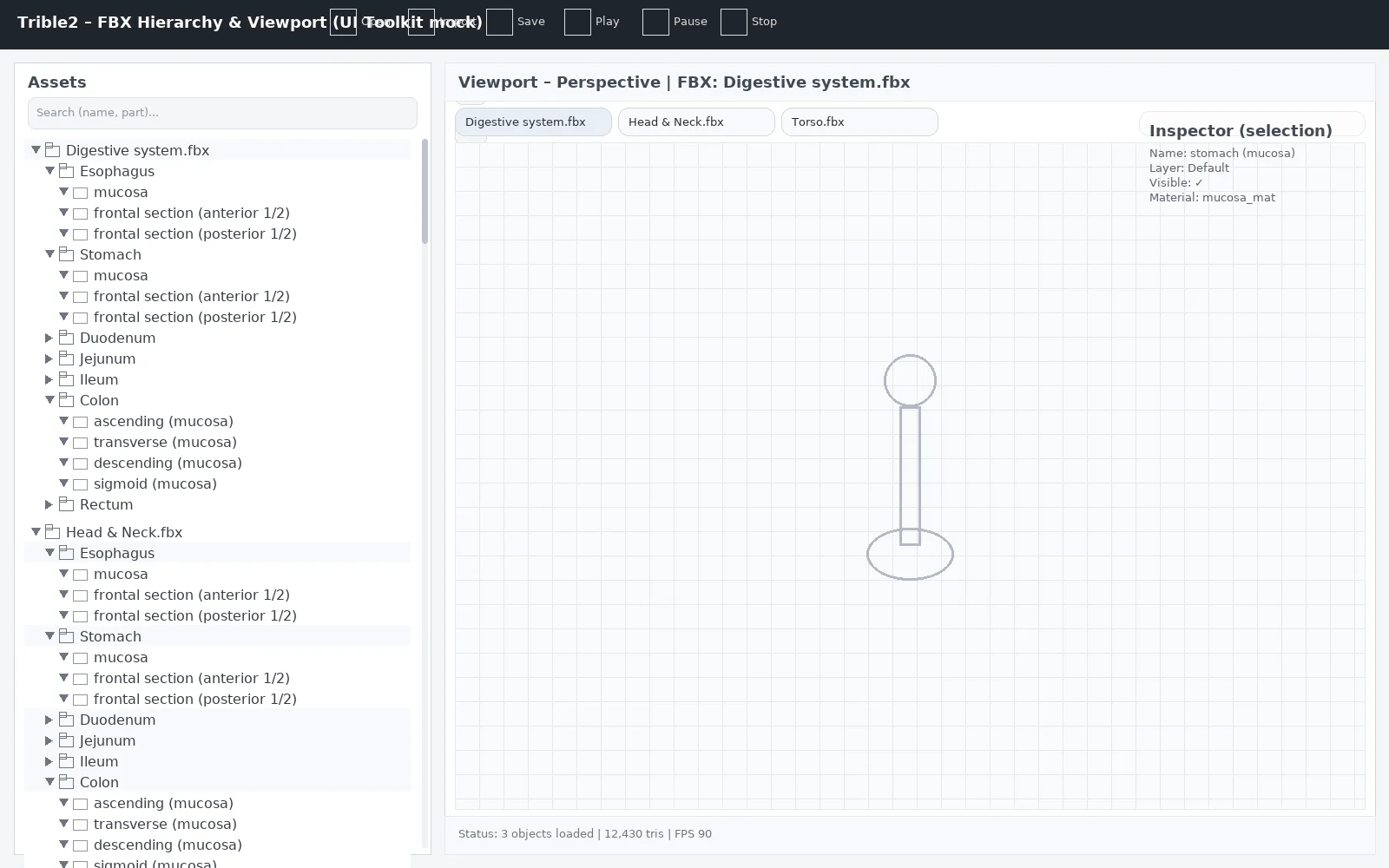
Trible2を使用する際に、2022を推奨されたが、LKGへの描画とURPの使用を考えるとUnity6のほうが良いので、いったんUnityのバージョンは、6000.1.15に。
とりあえず、基本部分の作成と起動できるところまでのエラー修正。
https://github.com/xseeds/FBX-ExcelCreator
いったんgitに共有。
起動後に起きるエラーも対処。いったん起動するところまで完成。
Author: 水上 | Source:
水上\臓器3Dモデル処理 29daba435ee780c9bcf5d63a933caf8d.md